
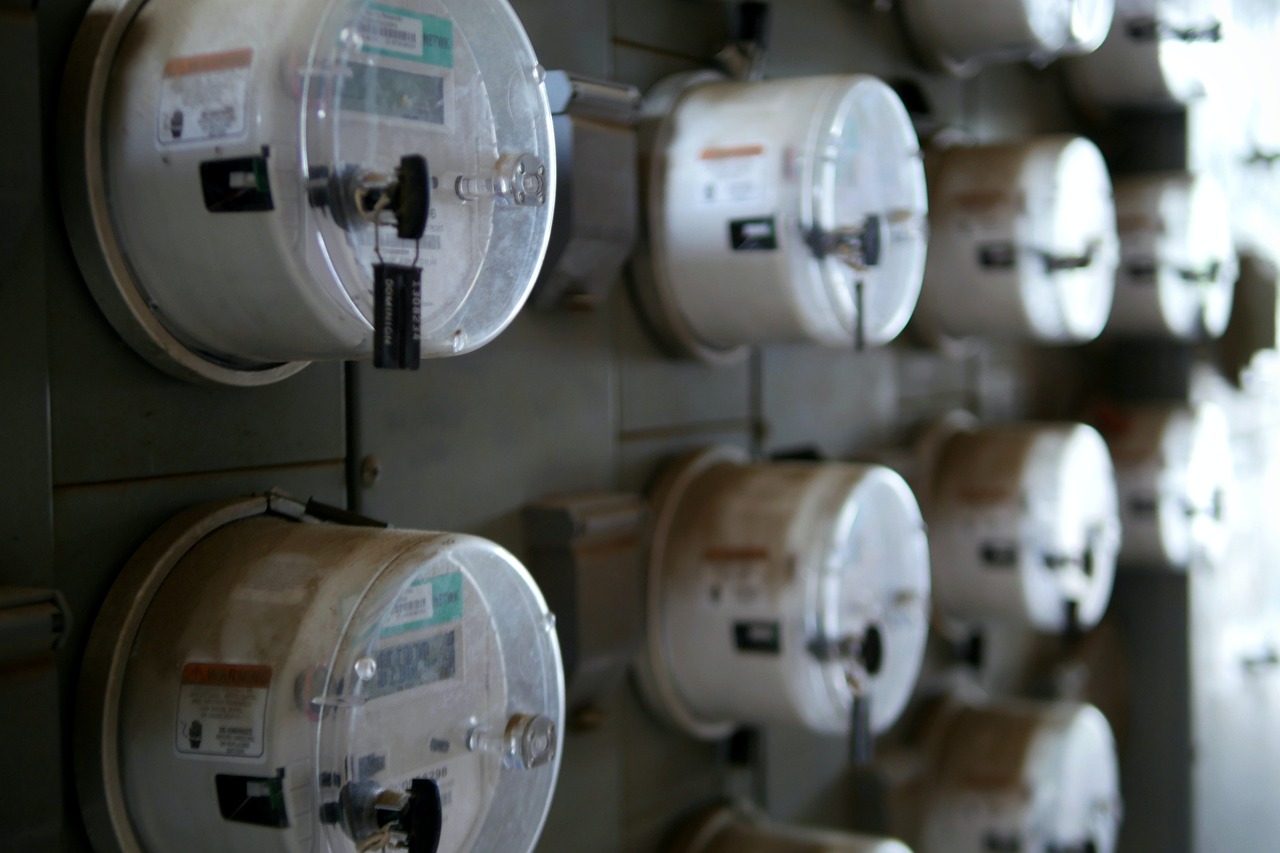
Understanding how to read your electric meter is one of the easiest ways to take control of your energy costs. Whether you want to verify your utility bill or track your household’s electricity usage, knowing how to read your meter puts you in the driver’s seat. Let’s break it down step by step.
Why Should You Read Your Own Meter?
Most utility companies send someone to read your meter monthly, but there are good reasons to do it yourself:
- Catch billing errors before they cost you money
- Track your daily or weekly energy consumption
- Identify which appliances or habits use the most electricity
- Verify that your energy-saving efforts are actually working
Types of Electric Meters
Before you start reading, you need to identify which type of meter you have. Most US homes have one of three types:
1. Digital Meters (Smart Meters)
These are the easiest to read. Digital meters display your usage in kilowatt-hours (kWh) on an LCD screen. Simply look at the numbers displayed. Some smart meters cycle through different screens, so wait a few seconds if you don’t see the reading right away. Look for the screen labeled “kWh” or “total usage.”
2. Dial Meters (Analog Meters)
Older homes often have dial meters with four or five clock-like dials. Here’s how to read them:
- Read the dials from left to right
- Notice that adjacent dials rotate in opposite directions
- Write down the number each pointer has passed (not the number it’s approaching)
- If a pointer is directly on a number, check the dial to its right. If that pointer hasn’t passed zero, record the lower number
For example, if your five dials show 0, 9, 3, 8, and 2, your reading is 09,382 kWh.
3. Digital Dial Hybrid Meters
Some meters combine digital displays with dial elements. Read the digital portion directly and follow the dial instructions above for any analog components.
How to Calculate Your Usage
To find out how much electricity you’ve used over a period of time, take two readings and subtract:
Current Reading – Previous Reading = kWh Used
For example, if your meter showed 09,382 kWh last week and shows 09,450 kWh today, you used 68 kWh in that period.
Tips for Tracking Your Energy Usage
- Read your meter at the same time each day or week for consistent comparisons
- Keep a simple log in a notebook or spreadsheet
- Compare your readings to your utility bill to ensure accuracy
- Take readings before and after using high-energy appliances to see their impact
Take Control of Your Electric Bill Today
Reading your meter is just the first step toward understanding and reducing your electricity costs. Once you know your usage patterns, you can make informed decisions about which appliances to replace, when to run heavy equipment, and how to budget for utility expenses.
Ready to see exactly how much your appliances cost to run? Visit myelectriccalc.com and use our free calculators to estimate your electricity costs, compare appliance efficiency, and discover new ways to save money on your electric bill every month!